 +923259670052
 Manahilf145@gmail.com
 Canal park near Govt Graduate College(PK)

Freelancing on Upwork is not just about having skills, it’s about showcasing those skills effectively. With thousands of freelancers competing daily, the difference between those who consistently win projects and those who get ignored often comes down to one thing: profile optimization.
In this blog, we’ll break down what profile optimization is, why it matters, the benefits and drawbacks, and provide real-world examples. We’ll also share a case study of how one freelancer went from zero invites to landing 50+ client invites a month, along with practical tips you can apply today.
What Does Profile Optimization Mean?
Profile optimization is the process of improving your Upwork profile so that it attracts the right clients. It’s not about fancy, it’s about communicating value clearly.
A well-optimized profile answers four key client questions:
-
Who are you? Your identity and role.
-
What do you do best? Your unique strengths and specialization.
-
How can you solve my problem? The services and solutions you provide.
-
Why should I trust you? Proof of skills, professionalism, and credibility.
This includes refining your headline, overview, portfolio, skills, photo, and work history descriptions.
Why Optimizing Your Profile Matters
✅ Advantages of Profile Optimization
-
Better visibility in searches: Optimized profiles rank higher in Upwork’s search results.
-
Increased client invites: Clients prefer freelancers with polished, trustworthy profiles.
-
Stronger credibility: A professional profile builds immediate trust.
-
Higher hire rate: Clients quickly understand your expertise, making them more likely to hire you.
-
Better pay opportunities: Strong profiles justify higher hourly rates or project fees.
❌ Disadvantages of Not Optimizing
-
Low discoverability: Without the right keywords, your profile may not show up in searches.
-
Missed opportunities: Clients tend to ignore incomplete or generic profiles.
-
Weak first impression: A vague or sloppy profile discourages clients.
-
Struggle to land contracts: Even skilled freelancers lose jobs if their profiles don’t reflect their value.
Before Optimization: Signs of a Weak Profile
Many freelancers start with profiles like this:
-
Headline: “I can do many things” (too broad, no clarity)
-
Overview: “I am hardworking. Please give me a chance.” (not client-focused)
-
Portfolio: Empty or filled with irrelevant samples
-
Photo: A casual selfie instead of a professional headshot
-
Keywords: Missing, making the profile invisible in searches
This kind of profile makes clients doubt your professionalism and seriousness.
After Optimization: What a Strong Profile Looks Like
Here’s what a fully optimized Upwork profile looks like:
-
Headline: “Upwork Proposal Writer & Profile Optimization Expert | Helping Freelancers Win More Clients”
-
Overview: Client-focused, highlighting results, experience, and benefits.
-
Portfolio: Quality samples that showcase expertise.
-
Photo: Professional, approachable, and trustworthy.
-
Keywords: Naturally integrated so the profile ranks higher.
This instantly communicates competence, confidence, and credibility.
Case Study: From Invisible to 50+ Invites a Month
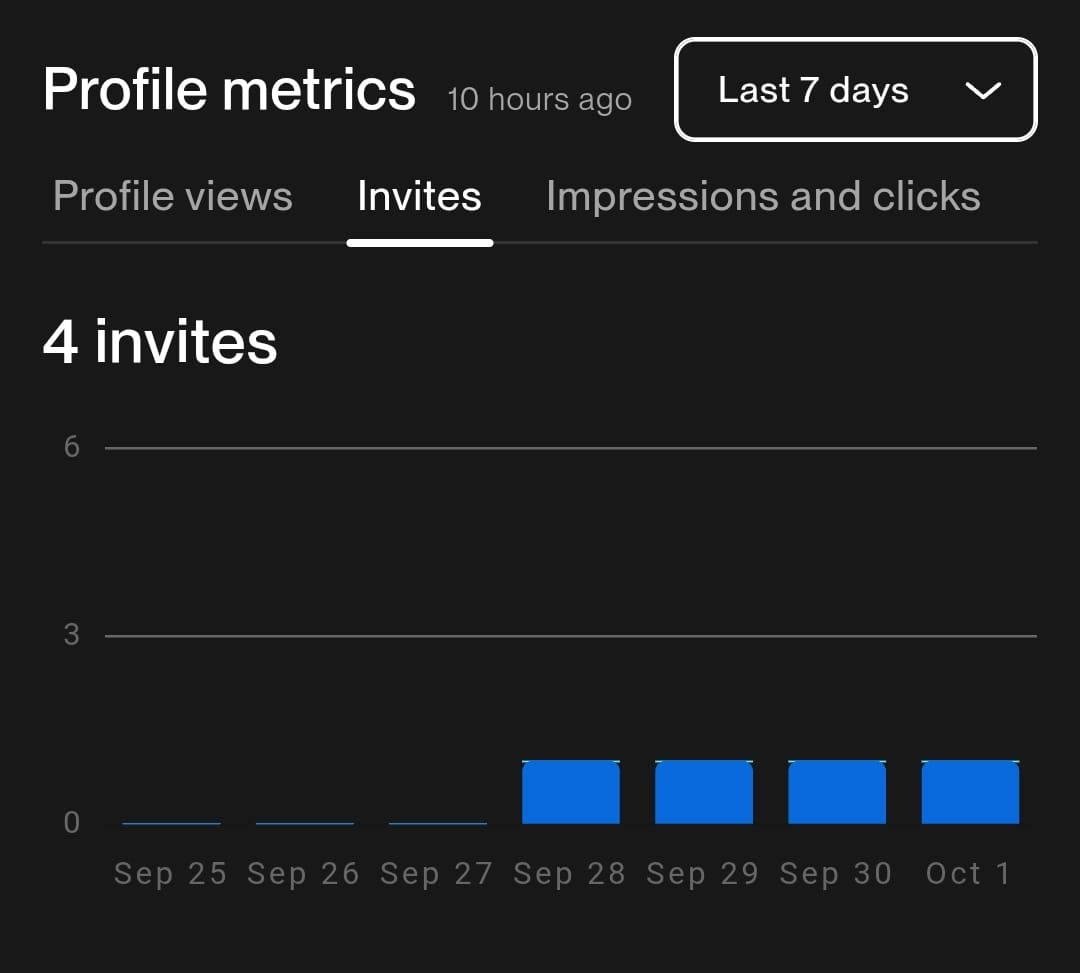
One of my clients, Hamza, struggled to get noticed. His profile was incomplete, his overview was too short, and his portfolio was empty. Despite sending proposals, he rarely received replies.
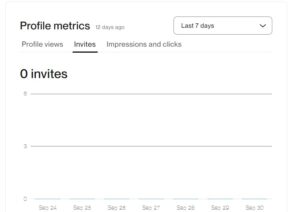
Before Optimization:
-
0 profile views per month
-
No client invites
-
Weak headline and unclear overview
After Optimization:
We restructured his profile with:
-
A professional, keyword-rich headline
-
A client-centered overview
-
A strong, relevant portfolio
-
Guidance on choosing a professional photo
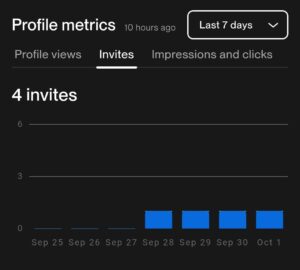
Results:
-
From 0 to 50+ client invites per month
-
Regular project wins
-
Long-term client relationships
-
Increased confidence
Hamza’s transformation proves that even talented freelancers need optimized profiles to succeed.
Practical Tips for Optimizing Your Upwork Profile
-
Use a niche-specific headline. Example: “SEO Content Writer for Tech & SaaS Companies.”
-
Write a client-focused overview. Show how you solve problems, not just what you can do.
-
Add portfolio samples. Create mock projects if you’re new.
-
Choose a professional photo. A clean, friendly headshot works best.
-
Use relevant keywords. Think about what clients search for and naturally add them.
-
Highlight results, not tasks. Example: “Helped a client increase traffic by 200% in 3 months.”
-
Keep it updated. Refresh your profile as you grow and gain new skills.
Final Thoughts
Your Upwork profile is your digital storefront. If it looks incomplete or unprofessional, clients will walk away. But if it looks polished, professional, and client-focused, they’ll stop, explore, and reach out.
Profile optimization is not just about filling sections; it’s about building trust and visibility. By investing time in optimizing your profile, you increase your chances of being noticed, invited, and hired.
If you’re serious about freelancing success, start optimizing your Upwork profile today and turn your freelancing journey into a thriving career.

Leave a Reply